
Como mellorar o sinal WiFi en casa: 8 consellos prácticos
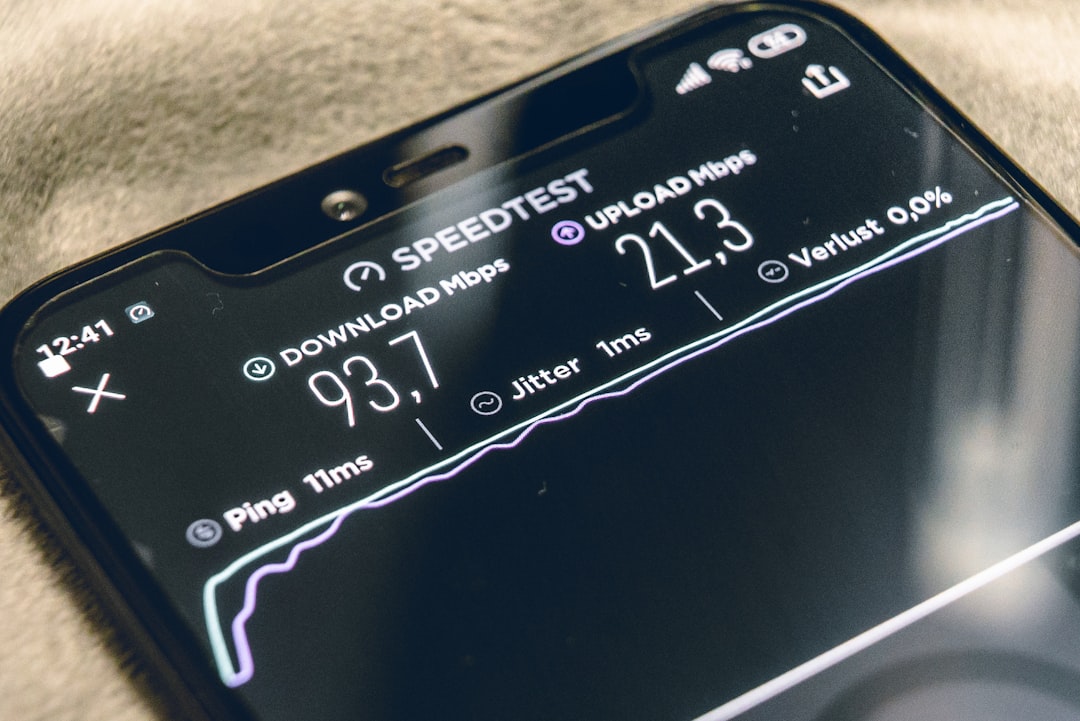
Pásache que no salón tes WiFi perfecta pero no dormitorio non cargan nin os memes? Tranquilo, non es o único. A cobertura WiFi pode ser unha dor de cabeza, pero con estes consellos vas converter a túa casa nunha zona de internet súper rápida.
1. Sitúa o teu router no lugar perfecto
O router é como o corazón do teu WiFi, así que necesita estar nun sitio estratéxico. Colócao no centro da casa e nun lugar alto, como un andel. Esquéceche de escondelo detrás da tele ou dentro dun armario: necesita respirar e ter espazo libre ao redor.
2. Afasta o router de interferencias
Os electrodomésticos son inimigos do WiFi. Mantén o teu router lonxe do microondas, o monitor do bebé, os altofalantes Bluetooth e outros dispositivos que traballen na mesma frecuencia. A distancia mínima debería ser dun metro.
3. Actualiza o firmware regularmente
É como manter o teu móbil actualizado, pero para o router. Entra na configuración do router cada certo tempo e busca actualizacións. Estas melloras adoitan incluír optimizacións de rendemento e corrección de erros que poden estar a afectar o teu sinal.
4. Cambia a canle de transmisión
Si vives nun edificio con moitos veciños, probablemente todos esteades a usar o mesmo canle WiFi. É como cando todos falan á vez nunha habitación. Usa apps como WiFi Analyzer para ver que canles están menos congestionados e cambia o teu desde a configuración do router.
5. Considera un repetidor ou amplificador
Para casas grandes ou con moitas plantas, un repetidor WiFi pode ser o teu mellor amigo. Colócao a medio camiño entre o router e a zona onde o sinal chega débil. É unha solución económica e súper efectiva.
6. Usa a banda de 5GHz cando sexa posible
A maioría de routers modernos teñen dúas bandas: 2.4GHz e 5GHz. A de 5GHz é menos congestionada e máis rápida, aínda que o seu alcance é menor. Úsaa para dispositivos próximos ao router e garda a de 2.4GHz para os que están máis lonxe.
7. Limita os dispositivos conectados
Cada dispositivo conectado consome ancho de banda. Se tes 15 dispositivos conectados simultaneamente, é normal que a cousa vaia lenta. Desconecta os que non uses e considera configurar unha rede de invitados para as visitas.
8. Revisa os obstáculos físicos
As paredes grosas, os espellos e as superficies metálicas son como kriptonita para o WiFi. Se non podes mover o router, polo menos identifica estes obstáculos e trata de minimizar o seu impacto. Ás veces, mover o router uns poucos centímetros pode facer unha diferenza enorme.
Con estes consellos, o teu WiFi debería funcionar moito mellor en toda a casa. Lembra que a paciencia é clave: proba os cambios un por un para ver cal che dá mellores resultados. O teu Netflix agradeceracho!